How to Set Up a Smart Home Without the Headaches
Set up a stress-free smart home: plan your system, pick compatible devices, secure your network, automate routines, and avoid common pitfalls.
Start with a Plan — The smoothest smart home starts on paper, not in the checkout cart. Define clear use cases that solve real problems: hands-free lighting, reliable security, efficient climate control, or streamlined entertainment. Divide your list into must‑haves and nice‑to‑haves, then map them to rooms and routines you already follow. Audit what you own: TVs, speakers, routers, plugs, bulbs, cameras, and sensors. Note power outlets, switch wiring, and signal obstacles like thick walls or appliances. Establish a realistic budget and decide on a phased timeline so you can learn as you go. Think through privacy expectations and comfort with cloud services versus local control. Sketch out scenes such as Wind‑Down, Movie Night, or Away, and the triggers that activate them. By identifying constraints early—such as rental restrictions, neutral‑wire requirements for switches, or limited Wi‑Fi coverage—you prevent impulse buys and reduce returns. A thoughtful plan ensures every device earns its place, avoids clutter, and supports a cohesive, future‑friendly system.
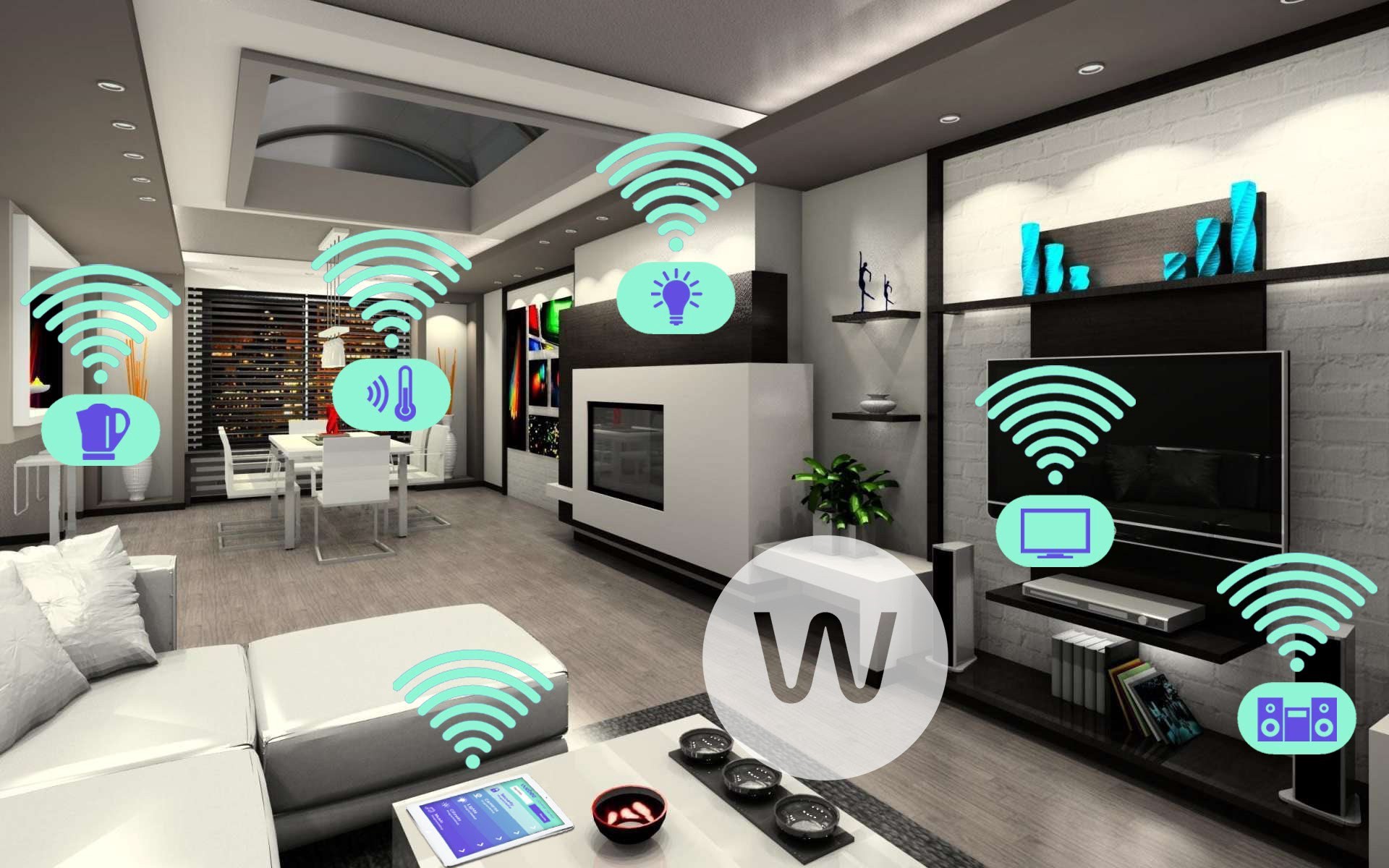
Build a Solid Network Foundation — Smart homes depend on a healthy Wi‑Fi and IP network. Place your router centrally, elevate it, and minimize obstructions. If you have a large or multi‑story home, consider a mesh system with wired backhaul to improve reliability. Use consistent SSID names and avoid frequent changes that break device connections. Separate devices where possible: keep a guest network for visitors and a dedicated IoT network or VLAN for smart gadgets, limiting lateral access to personal computers and storage. Prefer Ethernet for hubs, bridges, and stationary gear like TVs or media centers. Manage interference by choosing stable channels and balancing 2.4 GHz for range with 5 GHz for speed. Assign DHCP reservations to critical devices so their addresses don't change. Keep firmware up to date and schedule maintenance windows. A meticulously tuned network cuts setup friction, reduces random disconnections, and ensures every sensor, plug, and speaker performs reliably.
Choose Ecosystems and Standards Wisely — Interoperability is the difference between harmony and headaches. Decide on a primary ecosystem—a voice assistant or home platform—to anchor your automations and room‑by‑room control. Look for devices that support open standards like Matter for cross‑brand compatibility and Thread for low‑power, mesh connectivity. Understand when Wi‑Fi is useful (high bandwidth gear like cameras) and when Zigbee or Z‑Wave shine (battery devices with robust range). Evaluate whether you need a hub or bridge for local processing, faster response, and continued operation if the internet blips. Prioritize local control, offline routines, and clear certification logos so setup remains straightforward. Check that critical categories—locks, thermostats, lighting, sensors, and media—are well represented under your chosen umbrella. Avoid proprietary dead ends that limit expansion or force duplicate apps and accounts. A smart, standards‑first approach makes every purchase safer, keeps options open, and simplifies onboarding across your entire stack of consumer electronics.
Start Small, Then Scale — The best path to confidence is a contained pilot. Begin with a single room or a simple stack: a few smart plugs, bulbs, and a motion sensor can deliver big wins with minimal risk. Use this phase to refine naming conventions (Kitchen Lamp Left beats Lamp 1), test placement, and confirm signal strength. Learn each app's pairing flow, factory reset steps, and firmware update process. Validate that your chosen ecosystem sees devices consistently before you buy more. Add a thermostat or door sensor, then graduate to switches, dimmers, or shades as comfort grows. Document steps that worked, and keep a short checklist for onboarding: power cycle, bring devices near the hub if needed, pair, label, and test. Expanding in measured increments keeps complexity in check, reveals bottlenecks early, and prevents cabinet‑full‑of‑gadgets syndrome. By the time you scale to cameras or locks, you'll have repeatable habits and a stable foundation.
Design Automations That Respect Real Life — Great automations are predictable, reversible, and quiet. Combine triggers (time, motion, sunrise/sunset, contact, or presence) with conditions (only after dark, when someone is home, or if temperature exceeds a threshold). Use scenes to group devices and create intuitive routines like Welcome Home, Focus Work, or Goodnight. Build fail‑safes: timeout lighting after motion stops, fall back to manual control if a sensor goes offline, and avoid loops where one routine triggers another endlessly. Add delays and guards—like quiet hours to prevent late‑night announcements—and rate‑limit chatty devices. Keep automations modular so troubleshooting is easy; name them clearly and disable selectively when testing. Prefer local execution for speed and resilience, and design around reality: family members, guests, pets, and shifting schedules. Thoughtful automation design turns consumer electronics into cooperative helpers rather than fussy gadgets.
Prioritize Security and Privacy — A connected home is only as strong as its security. Use unique, strong passwords, enable multi‑factor authentication, and avoid reusing credentials across apps. Segment your IoT devices on a guest or isolated network and restrict access to laptops, phones, and storage where possible. Keep firmware current to close vulnerabilities and review permissions for microphones, cameras, and location data. Prefer end‑to‑end encryption and local control for sensitive categories like locks and alarms. Turn off unnecessary cloud features and disable UPnP if you don't need it. Audit device lists periodically, remove unknown entries, and rename defaults to reduce confusion. For resale or disposal, perform a full factory reset and unlink accounts. Secure physical access to hubs and networking gear with proper placement and power protection. Treat privacy as a feature, not an afterthought, and your smart home will remain both convenient and trustworthy.
Maintain, Monitor, and Troubleshoot Smoothly — Reliability grows from routine maintenance. Keep a simple runbook: network map, device list, IP reservations, and notes on odd behaviors. Back up hub settings where supported. Schedule periodic reboots for routers or bridges if they benefit from it. Label chargers, power supplies, and breakers to speed recovery when something fails. Use notifications sparingly for important events—battery low, water detected, door left open—so alerts stay meaningful. Track energy usage to identify waste and optimize schedules. When issues arise, isolate variables: test via local app, check signal strength, move the device closer, or temporarily disable automations. Preserve manual controls with smart switches or buttons so the home remains usable for everyone. Share simple voice commands and quick tips with family members. With light documentation, proactive monitoring, and clear fallback paths, your smart home stays responsive, efficient, and pleasantly low‑maintenance.