Choosing the Right Laptop for Work and Play
Find the perfect laptop for both productivity and downtime. Compare CPUs, GPUs, RAM, storage, battery, and build to match your work and play.
Balancing Work and Play — Choosing a laptop that serves both professional tasks and entertainment begins with clearly defining your priorities. Consider the mix of productivity apps, video calls, browser tabs, light content creation, and the degree of gaming or media consumption you expect. If portability is crucial, favor a compact chassis and long battery life; if performance matters most, allow room for a stronger processor and more robust cooling. Screen size affects comfort and mobility, with mid sized displays striking a practical balance for spreadsheets by day and streaming by night. Think about keyboard comfort, trackpad accuracy, and webcam quality, because these influence daily satisfaction more than raw specifications. Align your budget with realistic outcomes, prioritizing the components that move the needle for your workflow and fun. A measured approach that weighs power, portability, and price will help you avoid overpaying for features you rarely use while ensuring your laptop feels fluid, responsive, and enjoyable across both work and play.
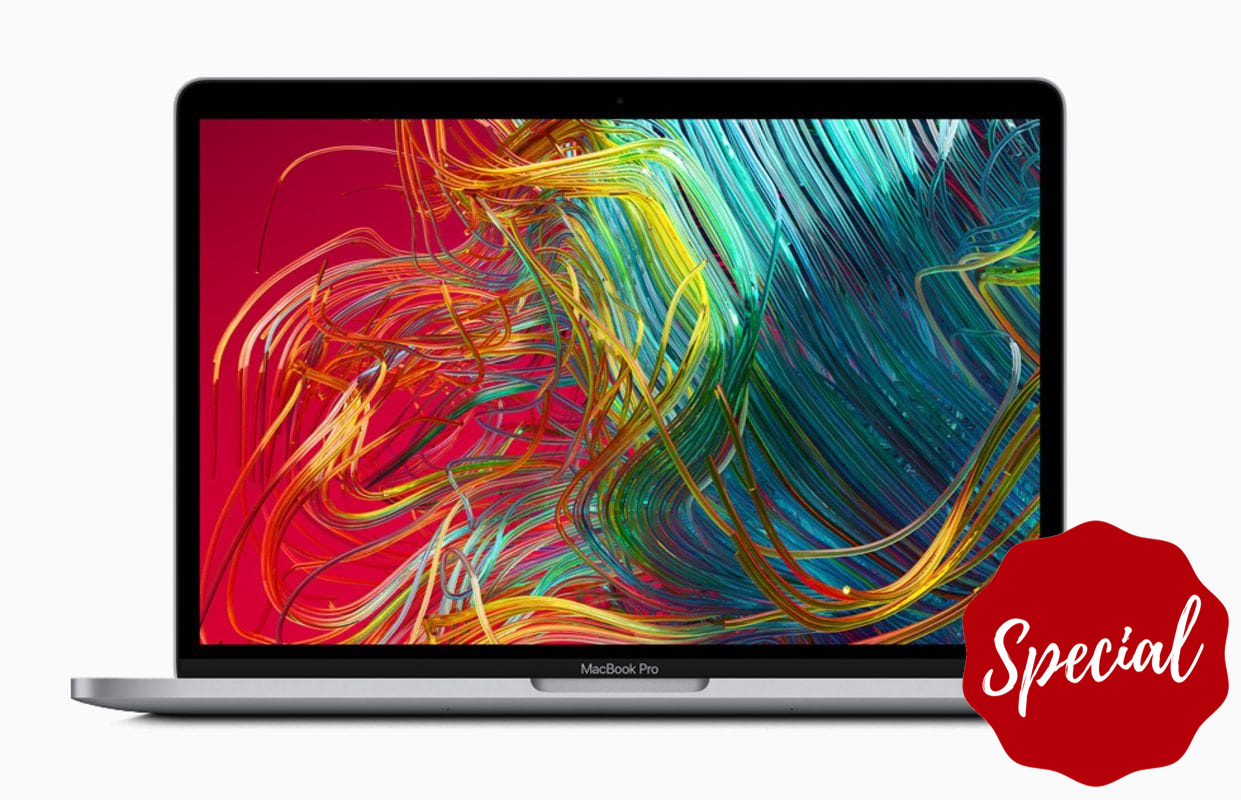
Performance Essentials — For a snappy, versatile experience, focus on the interplay of CPU, RAM, and storage. Modern multi core processors excel at juggling browser tabs, office suites, and collaboration tools, while boosting through heavier bursts like code compilation or large spreadsheets. More RAM keeps multitasking smooth; it prevents background apps, creative tools, and communication platforms from slowing everything down. Opt for a fast SSD to accelerate boot times, file transfers, and project loading, and consider a capacity that accommodates your documents, media, and a few large applications without constant cleanup. Integrated graphics handle everyday visuals well, but a balanced CPU with capable integrated graphics can still support casual gaming and light media editing. Pay attention to thermal design, since sustained performance depends on effective heat management. Also look for intelligent power profiles that let you shift from quiet efficiency during meetings to responsive speed when deadlines loom. Getting these fundamentals right defines how fast your laptop feels all day.
Graphics and Creative Power — If your downtime includes modern games or your job involves photo editing, video timelines, or 3D rendering, a dedicated GPU can be transformative. It brings higher frame rates, faster exports, and smoother scrubbing in visual apps. Consider VRAM capacity for large textures and complex scenes, and remember that GPU performance must be supported by adequate cooling to sustain speeds during long sessions. Pairing a capable GPU with enough RAM and a swift SSD keeps assets flowing without stutter. For gaming, aim for settings that balance frame rate, image quality, and thermals, prioritizing consistency over chasing the absolute maximum. Creative users should evaluate support for hardware acceleration in their preferred tools, as well as color managed workflows. Even if you do not need top tier graphics, a midrange solution can significantly improve casual play and occasional creative projects. The goal is a smooth, reliable experience that elevates both productivity and enjoyment without compromising portability or noise.
Display and Audio Experience — Your screen shapes every interaction, so choose a panel that suits both spreadsheets and cinema nights. A sharp resolution enhances clarity for small text and detailed imagery, while a higher refresh rate benefits fast paced games and makes everyday scrolling feel fluid. Prioritize color accuracy and contrast if you work with visuals, and consider anti glare finishes to reduce reflections in bright environments. Brightness should be sufficient for your typical spaces, whether that is a sunlit kitchen or a dim office. Panel technology matters, with options that emphasize deep blacks, wide viewing angles, or balanced efficiency; match the strengths to your needs rather than chasing specs for their own sake. Quality speakers and a clean microphone improve meetings and movies, and a reliable webcam with noise reduction or a privacy shutter adds peace of mind. A thoughtfully chosen display and audio setup makes work more comfortable and play more immersive, day after day.
Portability and Build Quality — The right chassis blends durability, comfort, and mobility. If you move often between rooms or commute, pay attention to weight, thickness, and battery life, but also to the sturdiness of the hinge, the rigidity of the lid, and the resilience of the keyboard deck. A great keyboard with clear feedback, comfortable key travel, and consistent backlighting reduces fatigue during long typing sessions, while a smooth, precise trackpad streamlines navigation. Features like a fingerprint reader or secure face login save time without sacrificing protection. Thoughtful design details such as well placed vents, grippy feet, and easily cleaned surfaces matter more than flashy accents. If you prefer a larger screen for work and entertainment, balance that with a bag friendly footprint and a power adapter that is not a burden. A well built laptop feels confident in hand, withstands daily knocks, and maintains its premium feel long after the initial unboxing thrill.
Battery, Thermals, and Noise — Real world battery life depends on component efficiency, screen brightness, and your workload mix, so look for adaptive power modes that scale performance intelligently. Efficient processors and well tuned software can deliver quiet productivity while reserving headroom for gaming or exports when plugged in. Effective cooling is crucial; robust heat pipes, ample intake and exhaust paths, and smart fan control prevent throttling and keep the chassis comfortable. A system that stays reasonably quiet during calls and writing, yet confidently ramps for demanding tasks, strikes the right balance. Consider fast charging for quick top ups and check whether the laptop supports charging via USB C for flexibility on the go. Thermal profiles that you can adjust help align noise levels with your environment, from silent libraries to open offices. Ultimately, consistent thermals and sensible acoustics protect performance and preserve comfort, ensuring your machine feels lively without becoming a distraction.
Connectivity, Storage, and Longevity — A versatile port selection anchors both work setups and living room fun. Look for USB C with display support for docking, plus full size USB A for legacy gear, HDMI for external screens, and an SD card reader if you handle photos or video. Reliable Wi Fi and Bluetooth keep peripherals and cloud services responsive, while a headset friendly audio jack remains convenient. Internally, favor NVMe SSD storage for speed, and consider room for expansion if you manage large projects or game libraries. Thoughtful serviceability—like accessible drives or memory where possible—extends useful life, and strong warranty coverage adds confidence. On the software side, a clean setup with minimal bloat and predictable update cadence helps maintain performance and security. By weighing connectivity, storage headroom, and long term support alongside raw specs, you build a laptop experience that adapts gracefully to new workflows, new hobbies, and the evolving demands of both work and play.